LiveiOSAndroid
 ChefScale
Scale any recipe to any batch size. No math.
Scale×4.7
Yield47
Cost / portion$1.28
 ChefScale
Scale any recipe to any batch size. No math.
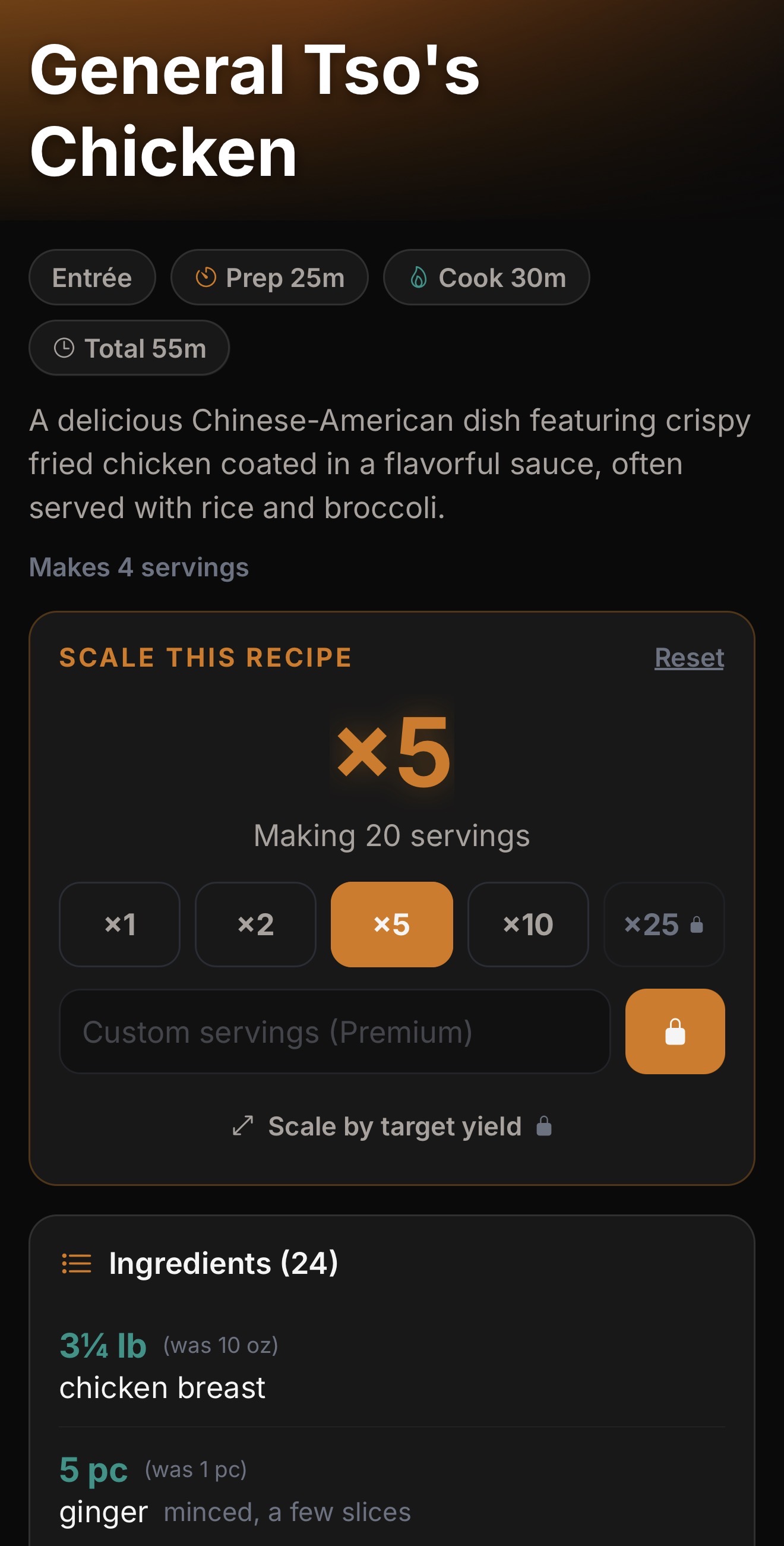
ChefScale takes any recipe and scales it to any batch size in seconds. Type in the original yield ("makes 10 portions"), enter the target ("need to make 47 portions"), the app outputs the new ingredient quantities — already converted to the most useful unit for the kitchen.
Most line cooks scale recipes mentally and get it close-enough most days. On a Saturday-night batch run, close-enough is how a sauce comes out under-seasoned by 1.4× and a protein marinade comes out double-strength. ChefScale takes the math off the cook so the cook can stay on the line.
The app also flags items where straight scaling produces a wrong answer. Bake math, sourdough hydration, sauce reductions, salt — these don't scale linearly. The app flags them so the chef does the judgment call instead of trusting the math.
Original yield: 10 portions. Target: 47 portions. Output: every ingredient quantity scaled and unit-converted.
Tablespoons to cups, ounces to pounds, grams to kilograms — the app picks the most useful unit for the new batch size.
Recipe written in cups; line cook prefers grams. The app handles the conversion without losing precision.
Bake recipes (yeast, baking soda, salt), sauce reductions, and seasoning ratios don't scale linearly. The app flags items where chef judgment is needed.
Tonight's 47-portion gumbo run gets saved alongside the original 10-portion master recipe. Reusable for next week.
On the paid tier, recipes saved in MyCookbook flow into ChefScale automatically. Scale any library recipe to any batch.
Friday afternoon prep — the sous chef needs to scale Sunday brunch's bread pudding from the 12-portion master recipe to a 60-portion batch. 30 seconds in ChefScale instead of 10 minutes of mental math (and a 15% chance of getting it wrong).
Catering inquiry comes in for 75 covers. Plug each menu item into ChefScale at 75 portions, get the ingredient quantity list, send to the prep team as a build sheet.
Recipe scales output the as-purchased ingredient quantities. Operator applies the yield factor to get the true plate cost — the app surfaces both numbers so the math is transparent.
ChefScale is published by ALSTIG INC , founded by Ben Mouton — a 14-year independent restaurant operator. Every app on the ALSTIG stack came from a problem hit during the run — the originals proven in service at Mouton's Bistro & Bar in Cedar Park, TX, which Ben ran for fourteen years before selling in 2026. Free to start. No platform contracts.